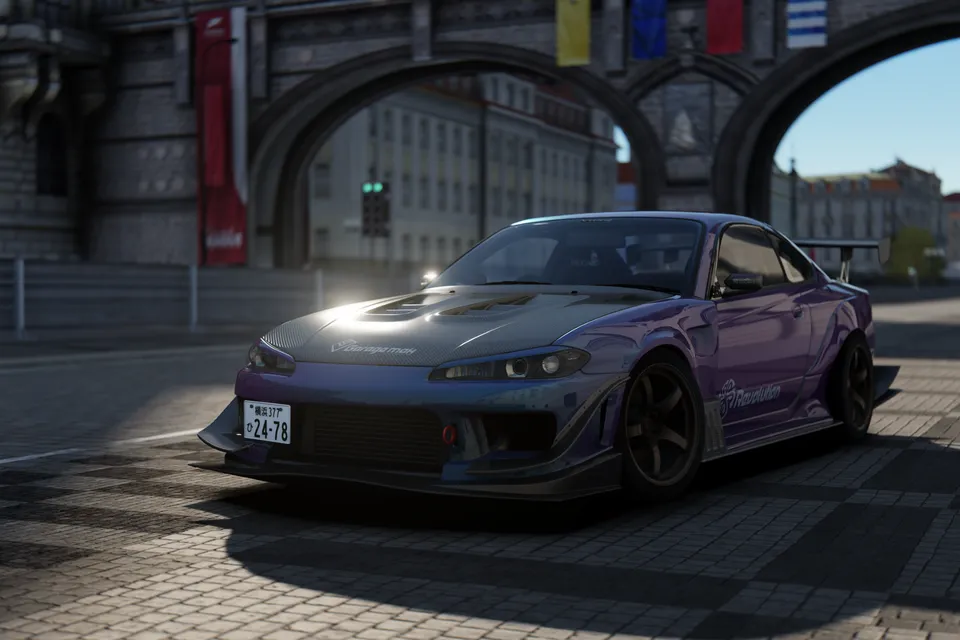
Ascensionn. 1996 Nissan 180SX Origin Labo Stream
von Ascensionn.KostenlosJDM
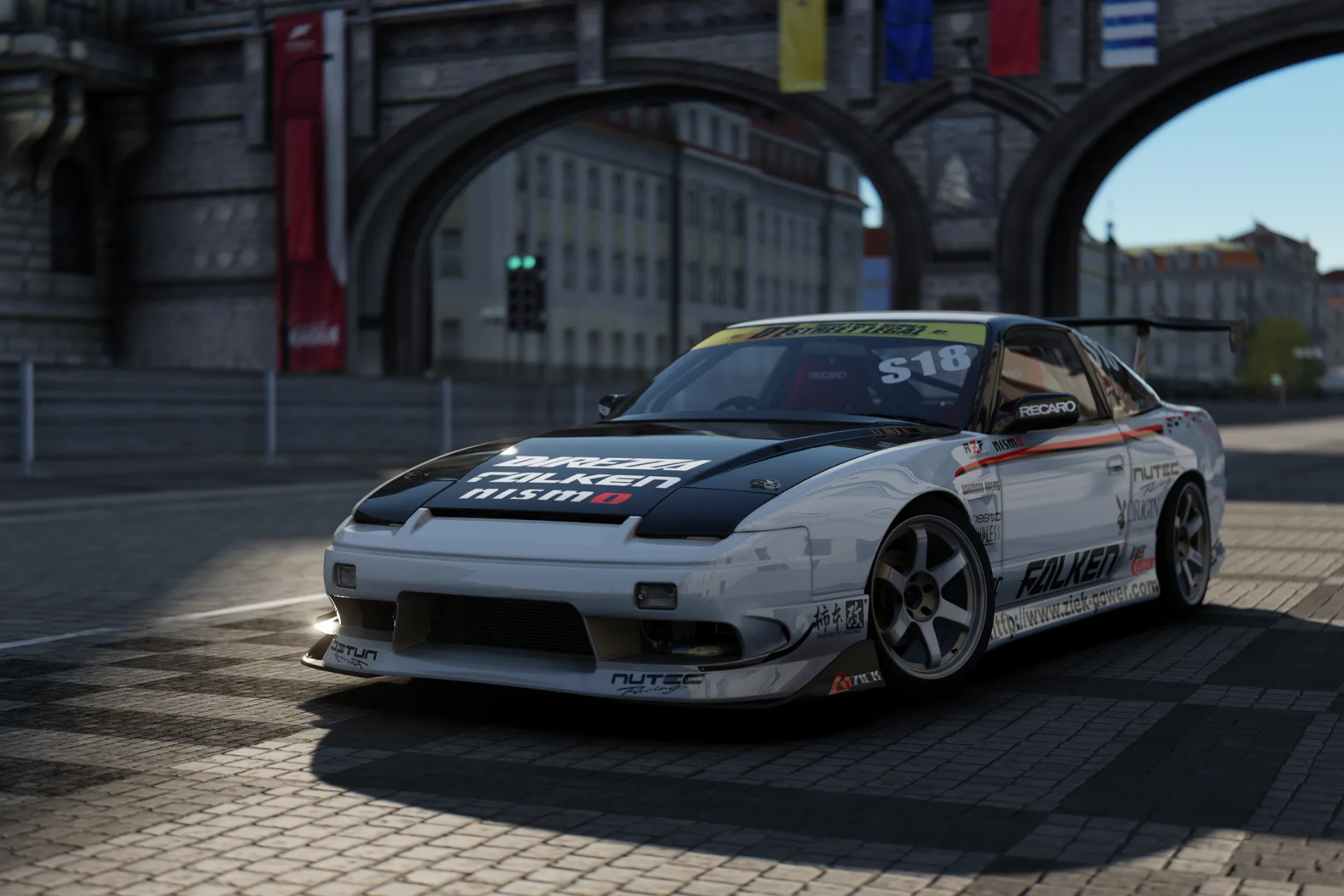
Nissan 180SX Origin Labo Stream is a modified rear wheel drive liftback based on the Nissan 180SX, which was produced in Japan between 1989 and 1998.
Der Download führt direkt auf die Seite von Ascensionn.. Du musst dem Arcmite Discord nicht beitreten.
Zusätzliche Ressourcen
Keine zusätzlichen Downloads für diese Mod.
Nissan auf Arcmite
33 Nissan-Autos auf Arcmite
Jeder weiße Punkt ist ein weiterer Nissan mit Modelljahr. Die beim ? haben noch kein Modelljahr.
Alle Nissan-Mods ↗Über diese Mod
Nissan 180SX Origin Labo Stream is a modified rear wheel drive liftback based on the Nissan 180SX, which was produced in Japan between 1989 and 1998. The vehicle is fitted with the Stream Line aerodynamic body kit manufactured by Origin Labo, a Japanese company specializing in parts for drifting. The 180SX was built on the Nissan S13 platform and served as a companion model to the Nissan Silvia, though it featured a hatchback body and pop up headlamps.
The mechanical specifications of the 180SX transitioned from the 1.8 liter CA18DET engine to the 2.0 liter SR20DET turbocharged four cylinder engine in 1991. The Origin Labo Stream kit consists of a front bumper, side skirts, and a rear bumper designed with a low stance for motorsport use. These vehicles are used in drifting competitions such as the D1 Grand Prix due to their front engine, rear wheel drive configuration and the availability of aftermarket support. The chassis utilizes a MacPherson strut front suspension and a multi link rear suspension.
In the Japanese market, the 180SX was sold through Nissan Bluebird Store locations. While the model was discontinued in 1998, it remains used by private builders and professional teams for circuit racing and drifting. The Origin Labo Stream components are constructed from fiber reinforced plastic and are designed to replace factory body panels to reduce weight and alter the exterior profile of the car.
Discord-Tags
So installierst du diese Mod
Installiere zuerst Content Manager und Custom Shaders Patch (CSP). Ziehe dann das heruntergeladene Archiv in das Fenster von Content Manager und es installiert das Auto für dich. Schritt-für-Schritt-Anleitung: der Arcmite Einsteiger-Guide.